


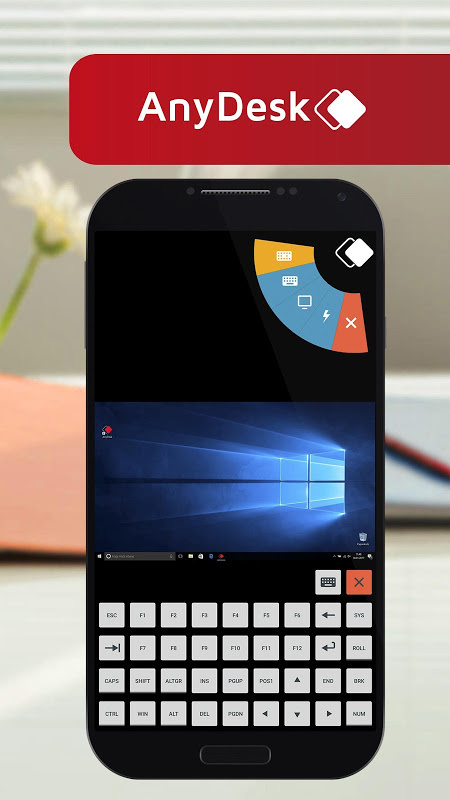
AnyDesk stands out as a powerful and secure remote desktop application that enables users to control computers and devices from anywhere. This versatile tool facilitates seamless collaboration, technical support, and access to files and applications on the go. It is ideally suited for IT professionals, remote workers, and anyone needing to manage devices across different locations without physical presence.
Secure Remote Control at Your Fingertips
AnyDesk ensures that your remote connections are protected with banking-standard TLS 1.2 encryption and RSA 2048 asymmetric key exchange. This high level of security means that all data transmitted between devices remains confidential and safe from unauthorized access. You can work on sensitive documents or provide technical support with complete peace of mind, knowing that your sessions are private. The application also supports two-factor authentication for an added layer of account security.
Uninterrupted Access Across Platforms
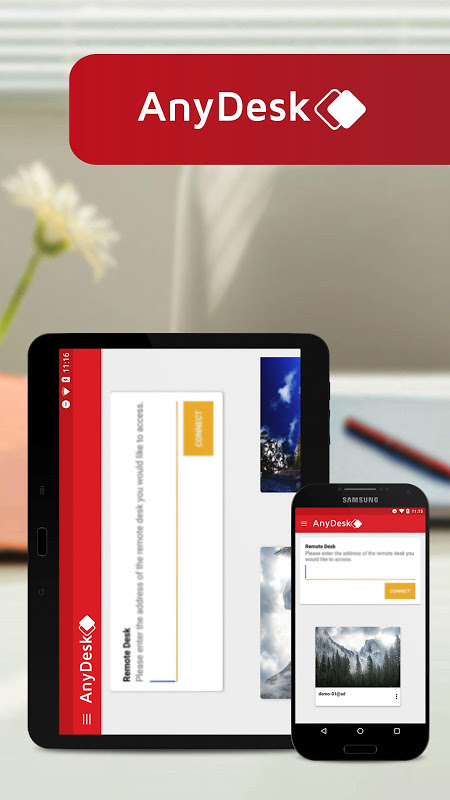
One of the key strengths of AnyDesk is its exceptional cross-platform compatibility. You can effortlessly connect from your Android device to Windows, macOS, Linux, or even another mobile device. This flexibility eliminates the barriers between different operating systems, allowing for smooth operation regardless of the platforms involved. It ensures that you are never locked out of your work or personal files, providing reliable access whenever you need it.
Optimized Performance on Mobile Networks
The application is engineered for efficiency, delivering fast connection speeds even on limited bandwidth or mobile data. AnyDesk utilizes advanced video codecs and data compression techniques to minimize latency and provide a responsive remote control experience. This optimization makes it practical to use in various network conditions without sacrificing performance. You can manage tasks remotely without experiencing significant lag or interruptions.
Simple Setup for Instant Connections
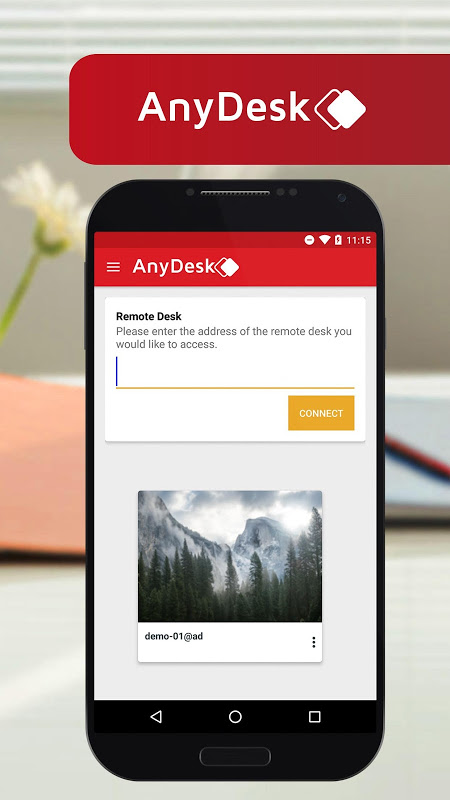
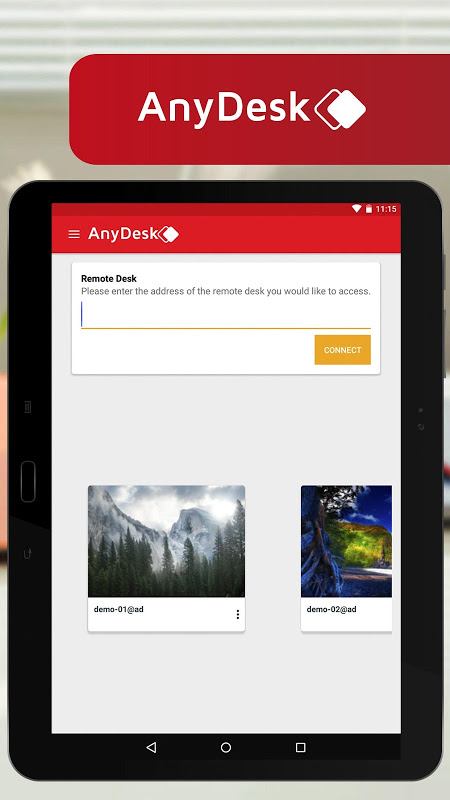
Getting started with AnyDesk is straightforward, requiring minimal configuration to establish a remote session. The application generates a unique address for each device, which can be used to initiate connections quickly. There is no need for complex network setups or port forwarding, making it accessible even for users with limited technical expertise. You can begin remote work or support sessions within moments of launching the app.
Comprehensive File Transfer Capabilities
Beyond screen sharing and control, AnyDesk includes robust file management features that allow direct transfer between connected devices. You can easily upload, download, or synchronize files without interrupting an active remote session. This functionality streamlines workflows by eliminating the need for separate file-sharing services. It ensures that important documents are always within reach, enhancing productivity during remote operations.
Frequently Asked Questions
Yes, AnyDesk offers a free version for personal use that includes all essential remote access features. This allows individuals to connect to their own devices or help friends and family without any cost. Some advanced enterprise features may require a licensed subscription.
The application maintains privacy through end-to-end encryption and explicit permission requirements. Remote control sessions cannot be established without consent from the device being accessed, and users have full visibility and control over active connections.
AnyDesk supports Wake-on-LAN functionality when properly configured on the target device and network. This feature allows you to power on a sleeping or powered-off computer remotely, provided the hardware and network settings permit it.





Leave a Comment